How to Change the Page Title Section Background Color
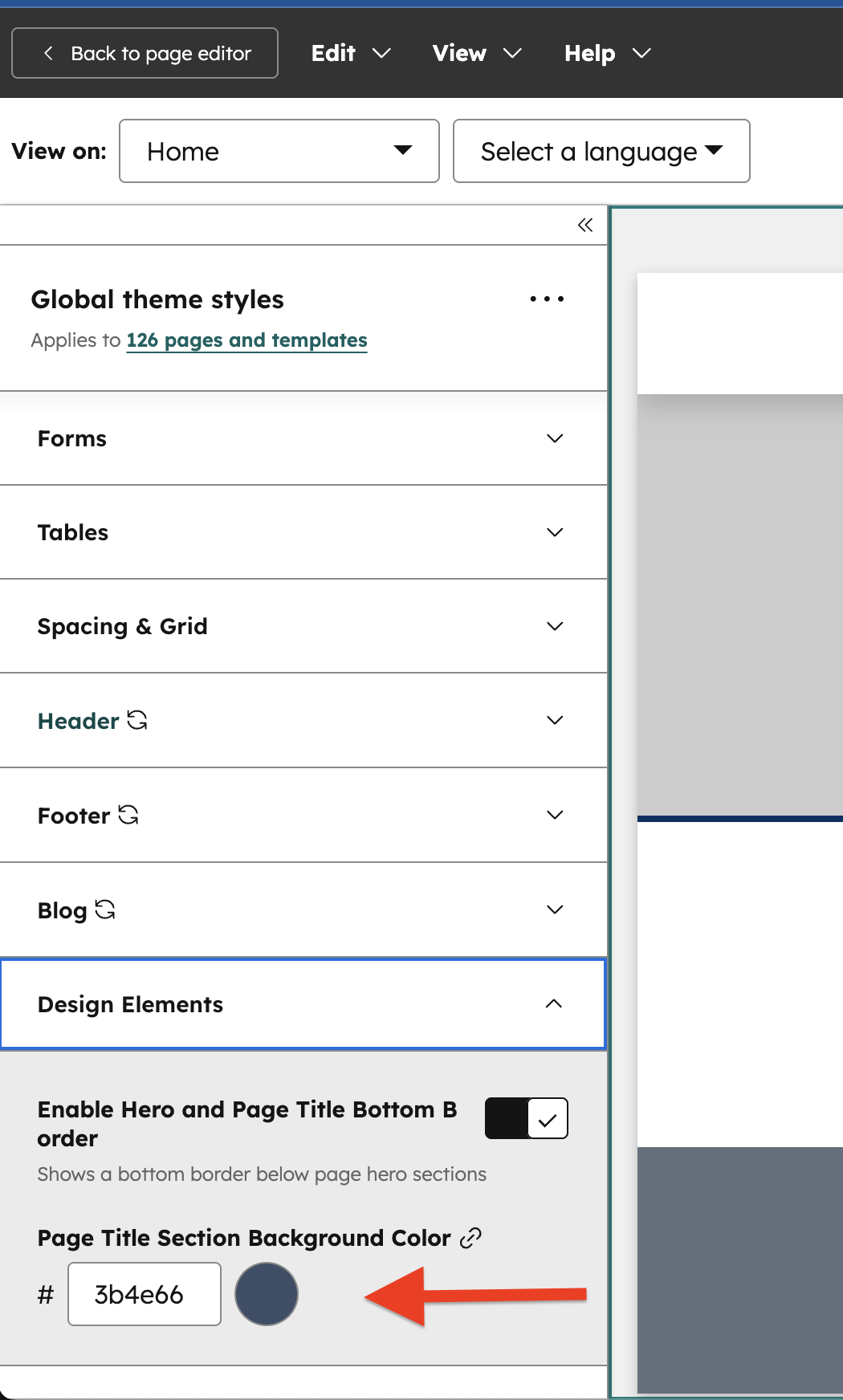
The page title banner color is a theme setting, so one change updates every page.
- Open the theme settings.
- Click the Design Settings field group.
- Change the color named Page Title Section Background Color.
To style the banner on a single page instead, see the Page Title Section module.